Blender 5.2 LTS is more than a feature drop: it is the current production branch, updated to 5.2.1 on 25 August 2026 and supported until July 2028. For architectural visualization teams, the practical gains are faster EEVEE iteration, leaner Cycles scenes, online asset libraries and safer long-term standardisation—but several changes deserve a controlled migration.
What matters most to architects and 3D artists
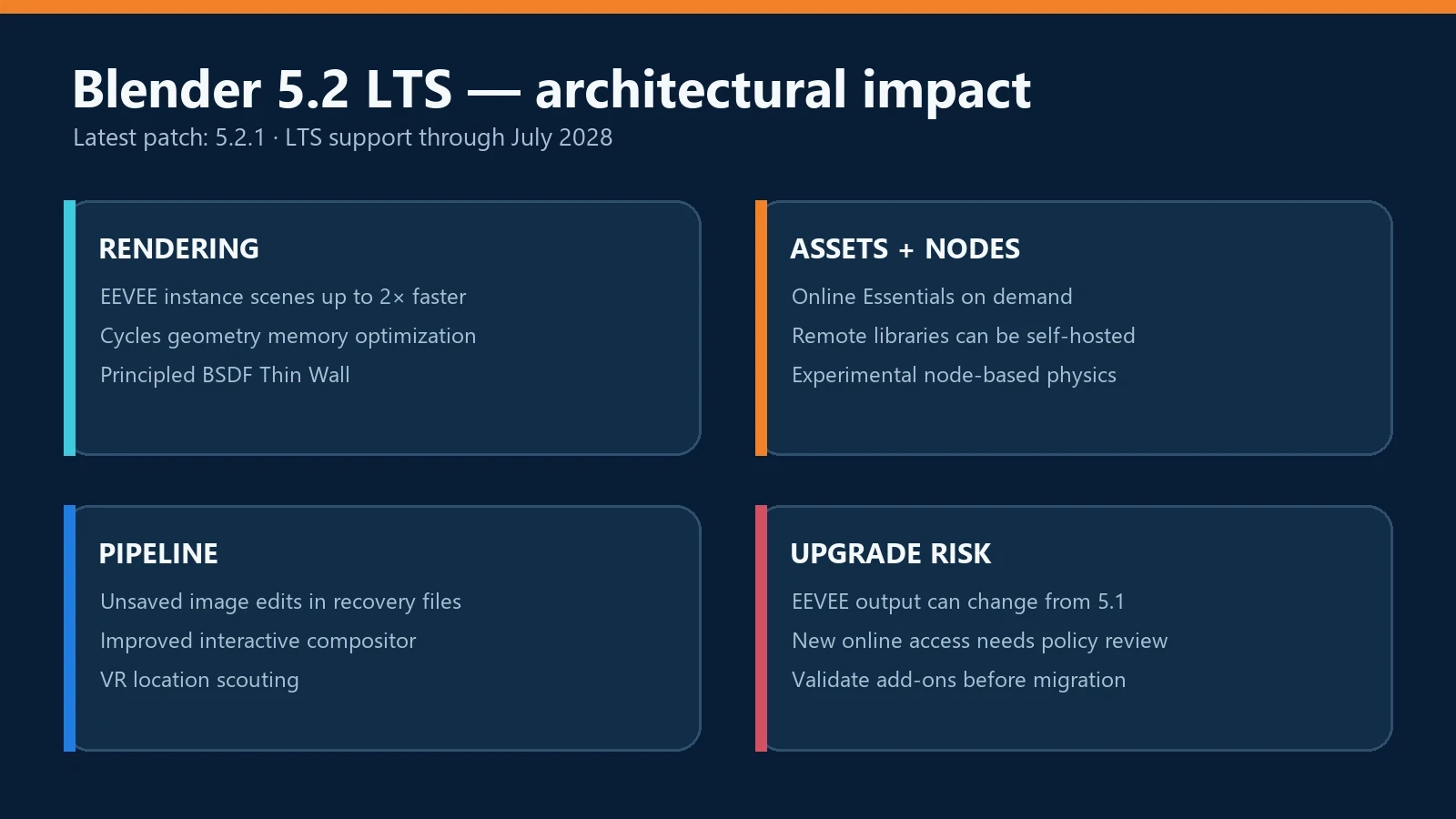
The headline list is broad, but four clusters have direct architectural value: EEVEE performance and consistency, Cycles memory and shading, remote asset access, and experimental procedural physics. Blender 5.2 also adds useful pipeline changes such as recovery of unsaved image edits, a more responsive compositor and VR location scouting.
Do not upgrade because every new item sounds attractive. Upgrade when one or more changes remove a measured bottleneck and a duplicated production project passes the migration tests at the end of this guide.
EEVEE: faster instance-heavy scenes, with compatibility checks
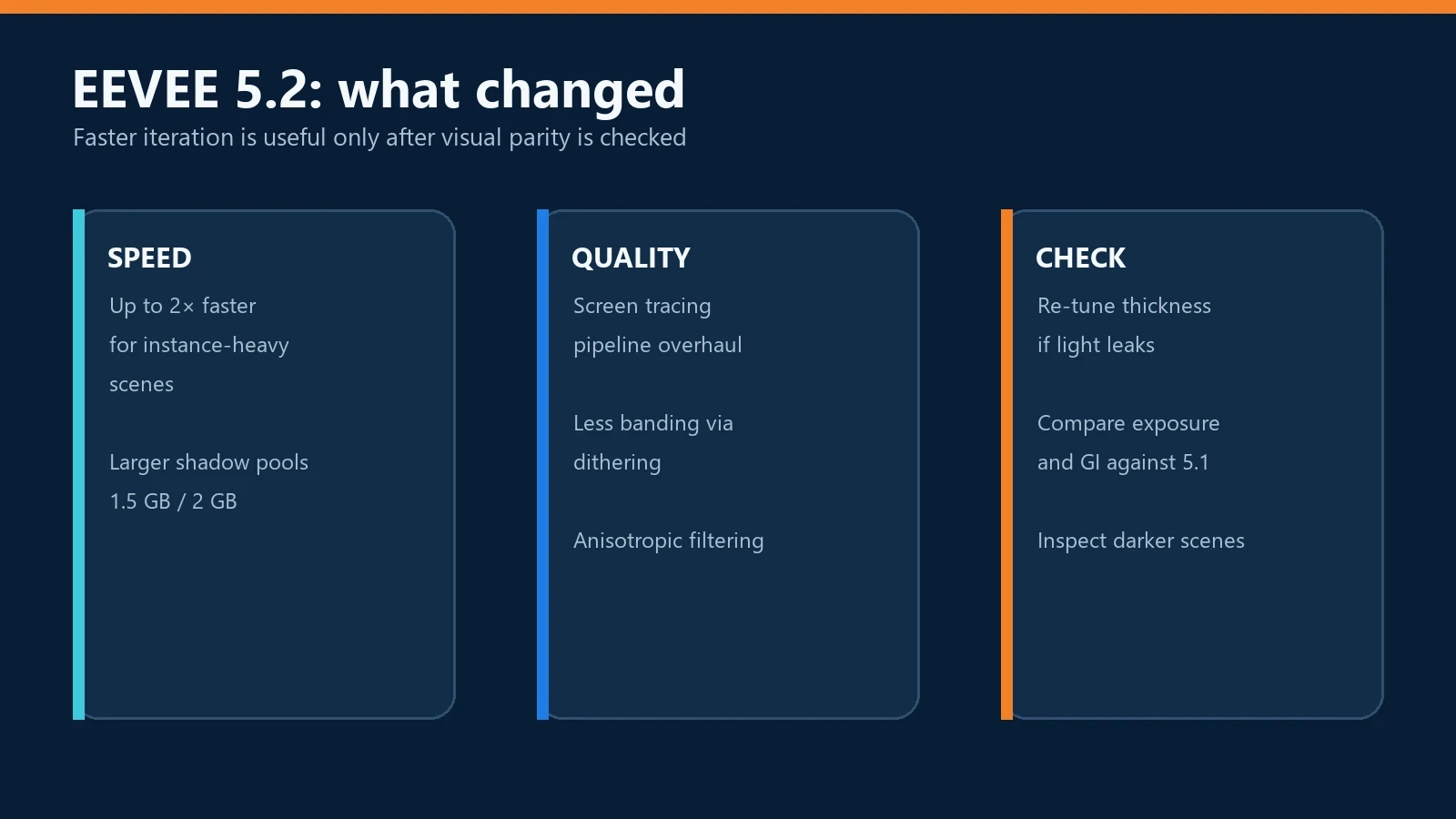
Blender says EEVEE can be up to 2× faster in instance-heavy scenes. That is relevant to apartment façades, furniture layouts, trees, lights and repeated urban assets. The release also adds dithering to reduce banding, anisotropic filtering, larger 1.5 GB and 2 GB shadow pools, camera visibility for lights and improved cross-platform consistency.
The Screen Space Raytracing pipeline was substantially cleaned up. Most older scenes should remain similar, but Blender warns that thickness may need adjustment and that fixes to energy conservation can make some scenes darker than 5.1. A new Backface control can reduce light leaks in Screen Space GI and Fast GI Approximation.
Recommended EEVEE acceptance test
- Render identical 5.1 and 5.2 frames with the same camera, resolution and color management.
- Compare façade edges, thin walls, glazing, shadow contact and indirect-light leaks.
- Record viewport frame time in an instance-heavy exterior, not an empty benchmark file.
- Re-tune screen-tracing thickness only in the duplicated 5.2 file.
- Approve the upgrade only when the visual difference is understood and performance improves meaningfully.
Cycles: memory, sync and sheet-material shading
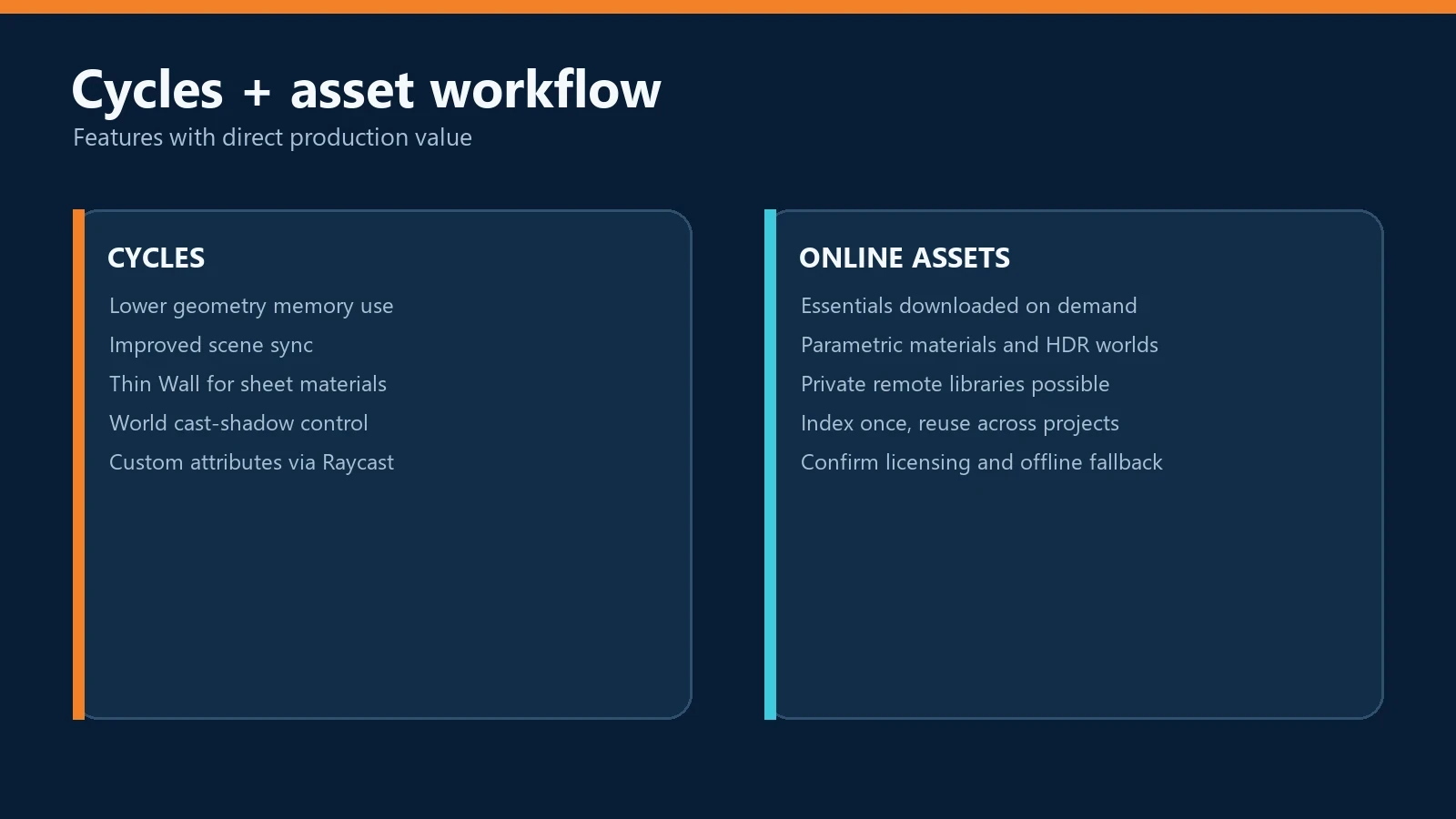
Cycles gains geometry-memory optimisation and improved sync performance. Large linked environments, repeated assets and geometry-node outputs may therefore enter rendering with less overhead, but Blender gives no universal percentage. Log peak memory and time-to-first-sample on your own paid-project copy.
The Principled BSDF adds Thin Wall for surfaces treated as sheets, useful for appropriate glazing, fabric or leaf-like materials when the physical model calls for it. World lighting can now disable cast shadows, light/shadow linking is easier to copy to selected objects, and the Raycast node can access custom attributes at an intersection.
Subsurface behavior also changed to align more closely with other renderers. Older files receive a compatibility conversion, yet skin, wax, stone and translucent materials should still be inspected in locked comparison renders.

Online Essentials and remote asset libraries
Blender 5.2 can host asset libraries online and introduces Online Essentials: parametric materials, HDR worlds, Geometry Nodes setups, compositing effects and other assets downloaded on demand rather than inflating the installer. Studios can also point Blender at their own remote library.
This helps distributed teams keep approved assets discoverable, but it creates new operational questions. Confirm source licences, versioning, cache location, proxy policy, authentication and an offline fallback before depending on remote assets during a deadline. “Available online” is not the same as “approved for every commercial project.”
Experimental node-based physics: powerful, not yet a default
A new XPBD Solver enables procedural hair and cloth simulations in Geometry Nodes, with collider, gravity, force and custom-effectors plus tag-based filtering. Architectural uses include tension studies, curtains, loose upholstery, banners and procedural landscape elements.
Blender labels this physics approach experimental. Use it for exploration or isolated deliverables, keep baked results and source versions, and do not replace a stable production simulation system until cache repeatability, export behavior and team handover have been proven.
Other improvements worth noticing
- Compositor: more responsive interaction, animation playback and lazy evaluation for fixed switches.
- Modeling: To Circle, evenly spaced edge loops and Flatten move from LoopTools into Blender itself.
- Recovery: unsaved image edits can be retained in backup files, reducing a familiar texture-paint failure mode.
- VR location scouting: useful for reviewing scale and views, subject to the team’s headset and performance setup.
- Voxel remeshing: improved preservation of vertex and corner attributes, including painted data.
Official overview video
Compatibility and upgrade impact
Blender 5.2 LTS is the sensible branch for a team standard because it receives fixes for two years, but LTS does not mean every add-on or file conversion is risk-free. Verify render-farm builds, Python add-ons, USD/glTF/FBX handoff, asset paths, linked libraries, Geometry Nodes caches and color-management configuration.
Once a production file is saved in a newer major version, rolling it back can be unreliable. Preserve untouched 5.1 originals and exchange-format fallbacks. For live work, schedule migration between milestones rather than during final delivery.
Six-step migration plan
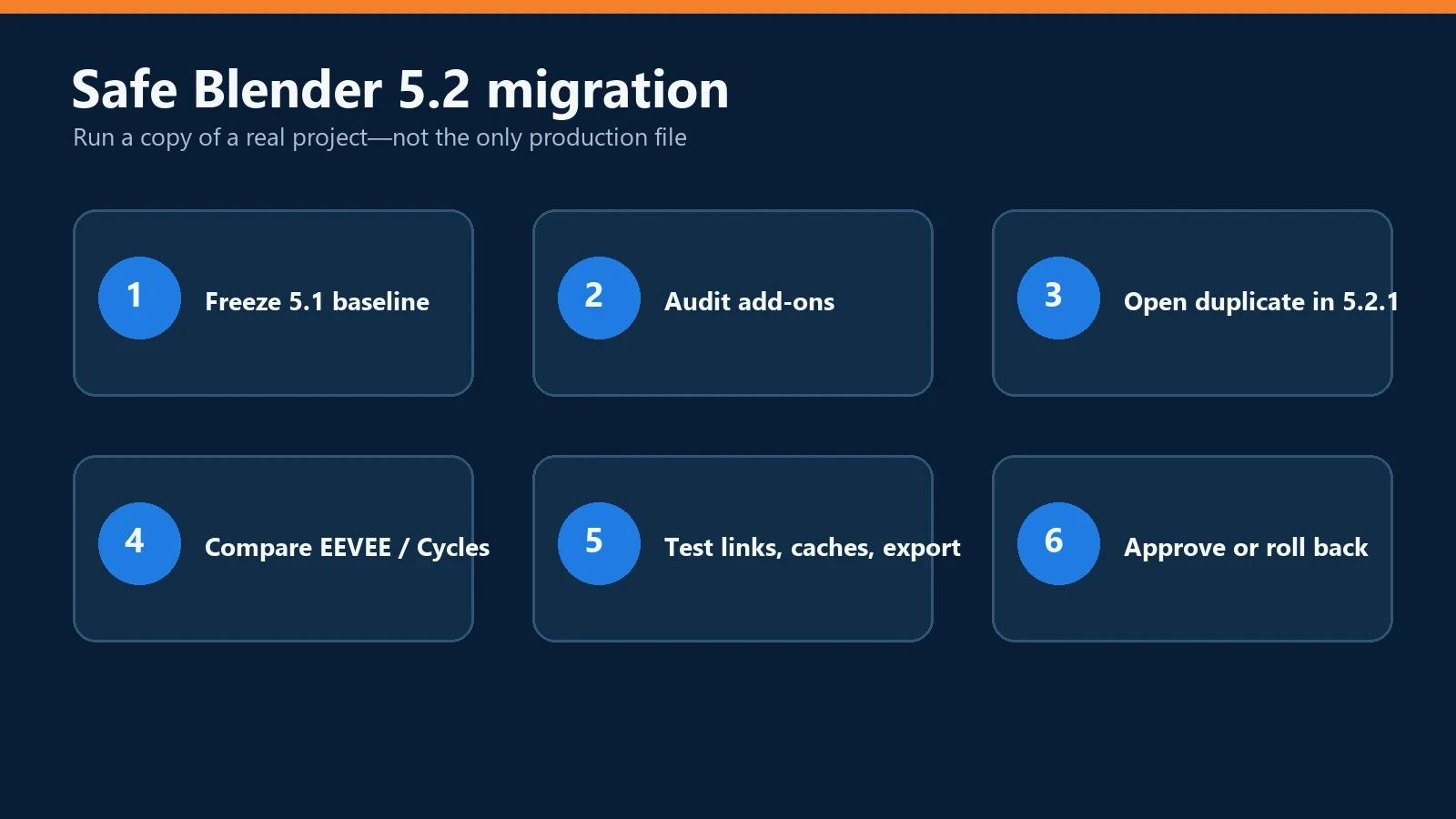
- Freeze a 5.1 baseline render and archive the exact application, add-on and driver versions.
- Audit every essential add-on against its developer’s 5.2 support statement.
- Open a duplicated project in 5.2.1, never the only master file.
- Compare locked EEVEE and Cycles frames plus viewport interaction and peak memory.
- Test linked assets, simulation caches, texture paths, compositing and every required export.
- Pilot with one artist and one non-critical deliverable before changing the studio default.
FAQ
Is Blender 5.2.1 the latest version?
Yes, as verified on 29 August 2026. Blender lists 5.2.1 LTS, released 25 August, as the latest supported release.
Should an architecture studio use 5.2 or 4.5 LTS?
Use 5.2 when its features and tested add-ons improve your workflow. Keep 4.5 LTS for projects whose plug-ins, farm or delivery pipeline are already validated there. Both branches remain supported.
Will EEVEE renders look identical after upgrading?
Not always. Blender notes compatibility changes in screen tracing, thickness and energy conservation. Compare real frames before approval.
Are Online Essentials safe for commercial work?
Check the licence and provenance of each asset and your project requirements. Online availability alone does not establish permitted commercial use.
Official sources
Continue Exploring