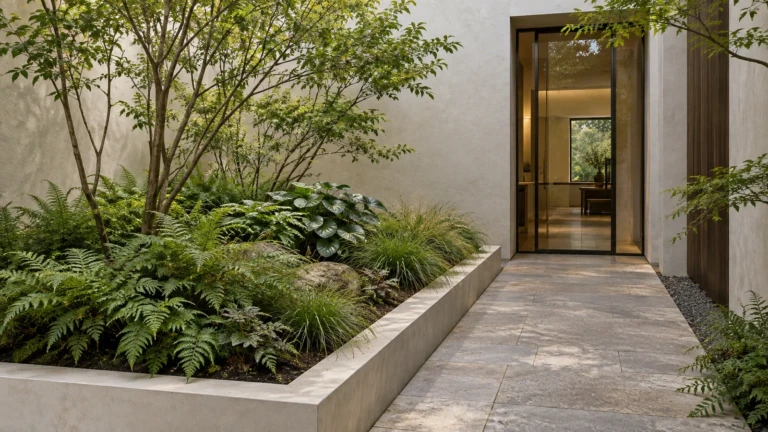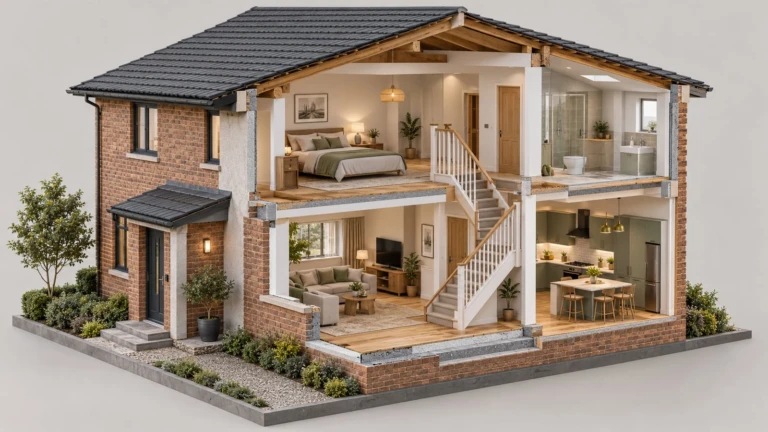

D5 Render 3.1 is often discussed through its headline Interactive Presentation feature, but the release also changes landscape iteration, object control, material depth, color management and in-scene measurement. If you already use D5 for architectural visualization, several of the quieter features can save more daily production time than the headline presentation mode.
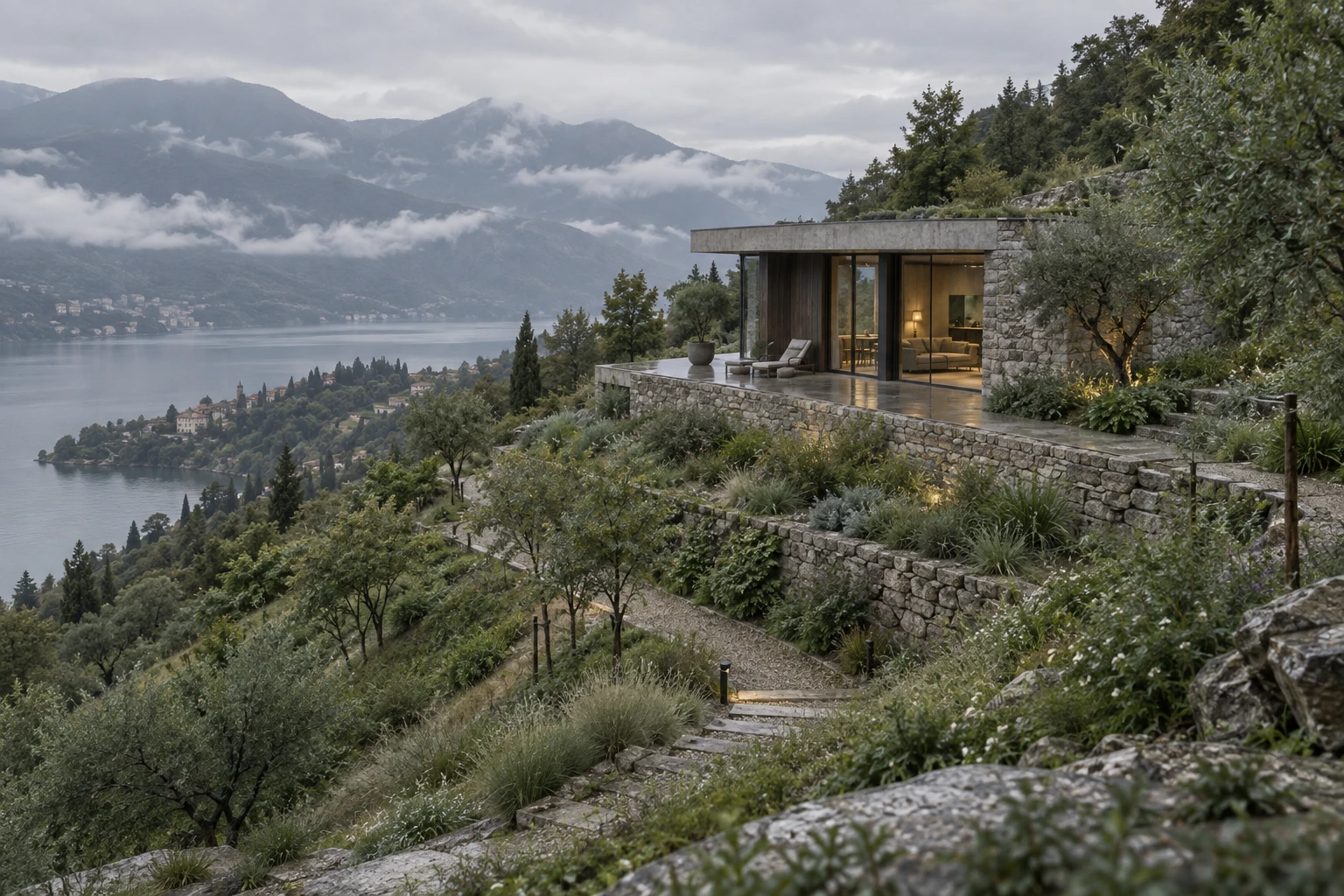
1. Seasonal Vegetation: one landscape, multiple seasons
Seasonal Vegetation lets supported plant assets change foliage color and branch state using a date slider under Environment → Weather. For landscape and residential visualization, this reduces the need to duplicate the scene or manually replace vegetation when testing spring, summer, autumn or winter proposals.
2. Custom Pivot: small tool, big animation and placement value
Custom Pivot lets you move an object’s pivot to a meaningful point. A door can rotate around its hinge instead of its geometric center; a panel, window or furniture component can animate around the correct physical axis. This is especially useful when preparing interactive design options or simple motion without returning to the modeling application just to change the pivot.
3. HeightField Tracing: surface depth without heavy subdivision
D5 describes HeightField Tracing as a lighter-weight way to use height maps for edge and surface detail. Brick, stone and wood can gain more convincing depth without subdividing geometry the way traditional displacement often does. The practical benefit is strongest on repeated large surfaces where extra mesh density would otherwise become expensive.
4. ACEScg Working Color Space: more relevant to professional pipelines
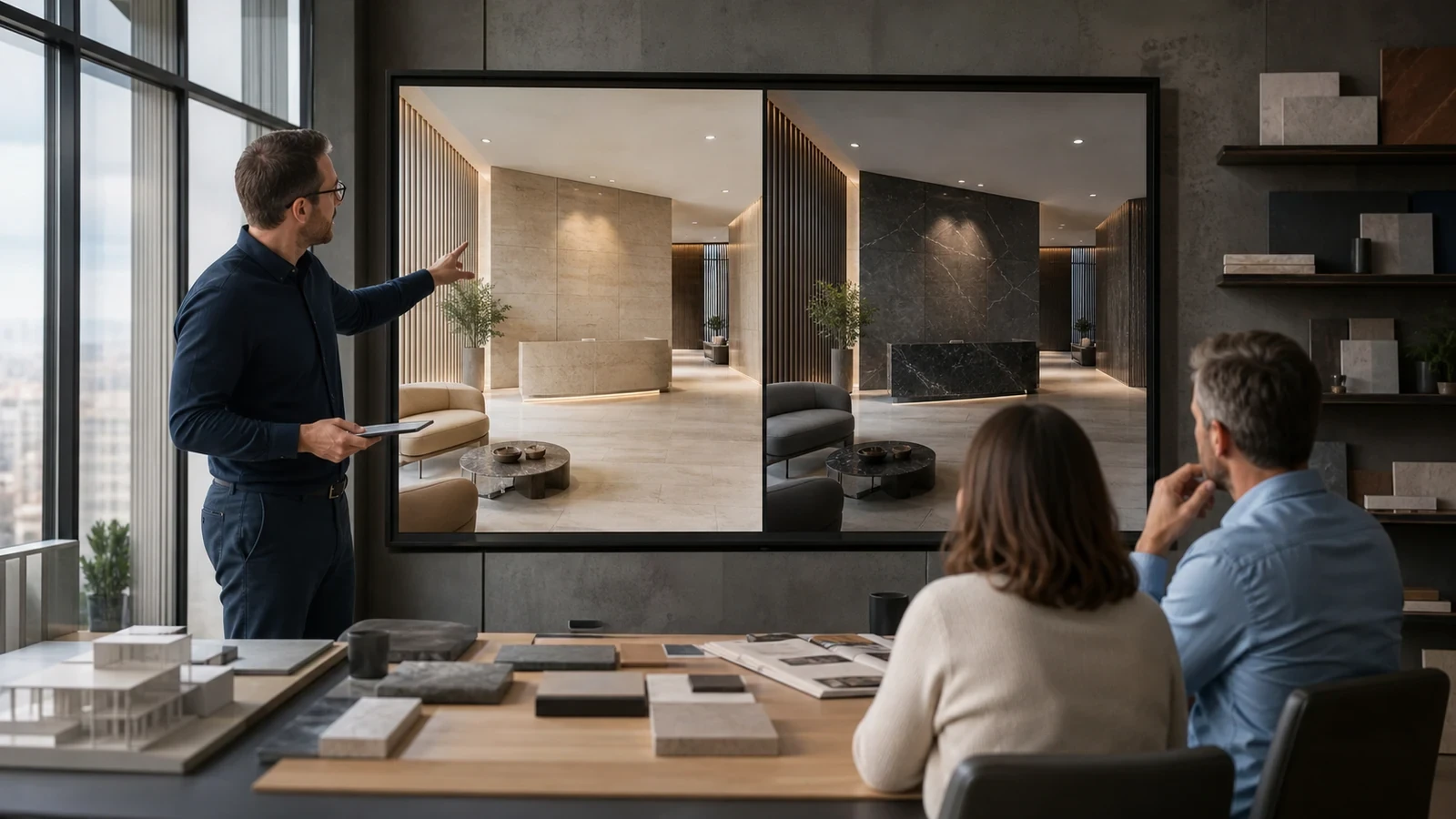
D5 3.1 adds ACEScg as a working color space. D5 positions it as a wider-gamut option intended to preserve more color information in HDR and complex lighting workflows and to align more naturally with professional ACES pipelines.
This matters most when D5 is one stage in a larger workflow—rendering, compositing, grading and delivery—rather than the final isolated application. Before changing an office pipeline, run a controlled comparison from D5 export through the exact post-production software and display path your team uses.
5. MeasureLine Asset: useful during design review
The MeasureLine Asset provides direct distance measurement inside the D5 scene and snaps to surfaces. It will not replace BIM documentation or survey data, but it is useful during visualization review when a designer wants to confirm a spacing or clearance without switching applications.
6. Interactive Presentation remains the biggest format change
D5 3.1 lets designers connect materials, visibility, environment settings, transforms and camera states to presentation logic. We already cover this as a separate step-by-step workflow, so this article treats it as one part of the broader 3.1 release rather than repeating the same tutorial.
See our D5 Render 3.1 Interactive Presentation guide for the implementation workflow.
7. What architects should test first
8. Upgrade path and project safety
D5’s official update guide says to open D5 Launcher → Check for updates → Update to 3.1. As with any visualization-software update, test on a duplicated project first. Verify materials, vegetation, linked models, cameras and output before making the new version the only copy of an active client project.
FAQ
What are the six core D5 3.1 features?
Interactive Presentation, Seasonal Vegetation, Custom Pivot, HeightField Tracing, ACEScg Working Color Space and MeasureLine Asset.
Does Seasonal Vegetation work by replacing the whole scene?
No. D5’s supported seasonal plant assets respond to a date control in Environment → Weather, allowing one scene to represent different seasonal states.
Is HeightField Tracing the same as subdivision displacement?
No. D5 describes it as a lighter-weight height-map technique intended to create convincing detail without the same geometry subdivision cost.
Official sources
- D5 Render — What’s New in D5 3.1: 6 Core Features
- D5 Render — D5 3.1 Design Presentation Workflow
- D5 Render — July 2026 Recap
Featured image: existing LumionVietnam D5 architectural visualization from the Media Library, originally created for the D5 PBR workflow article and reused here as a D5-specific catalog image.
Continue Exploring