V-Ray 7 Update 3 is easy to summarize as “real-time rendering in the V-Ray viewport,” but that angle misses several changes that may matter more to architectural visualization teams. This article focuses on the non-real-time workflow improvements: AI Mood Match, the expanded AI Enhancer, Quick Caustics, Parallax Interiors, cloud collaboration and larger ready-to-use asset sets.
1. AI Mood Match: useful when the reference is about light, not geometry
AI Mood Match analyzes a reference image and adjusts the scene’s lighting setup to move toward a similar atmosphere. Chaos describes it as a way to align Sun and Sky or image-based lighting with the look of a reference photo.
The practical architectural use is early look development: a client may say “make this feel like the reference at blue hour” or “match the soft overcast mood.” Mood Match can reduce manual trial-and-error, but it should not be treated as a geometry or material correction tool.
2. AI Enhancer now targets larger surfaces
Chaos says the improved AI Enhancer supports a “Large Surfaces Coverage” workflow for broad areas such as asphalt, floors, walls and terrain. That is especially relevant to archviz because repetitive surfaces often reveal tiling or uniformity long before small objects do.
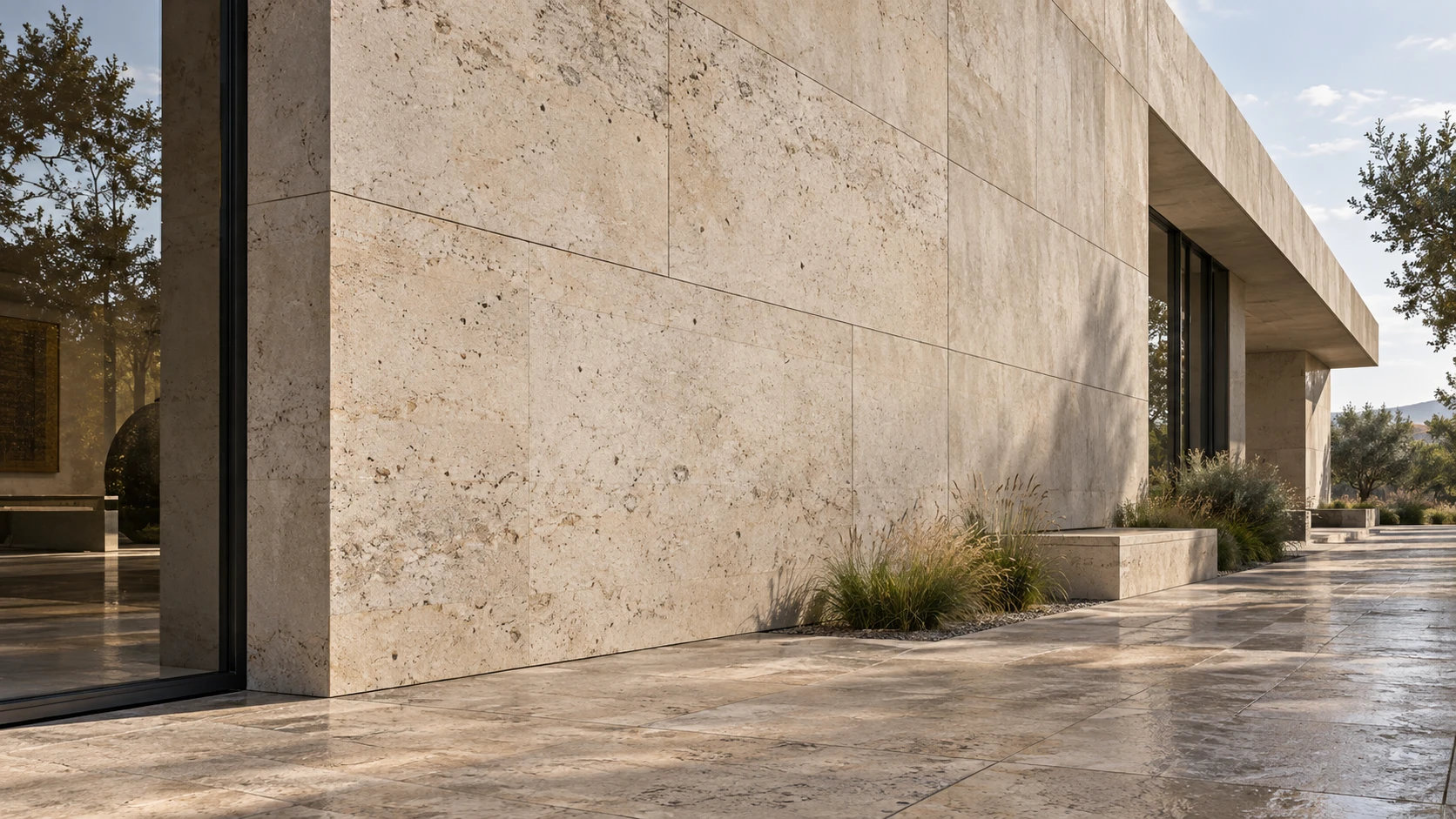
Use it as a finishing tool after the base material is physically plausible. If roughness, scale or UV mapping is fundamentally wrong, fix the material first; an enhancement pass should not hide a broken shader.
3. Quick Caustics: faster access to a traditionally expensive effect
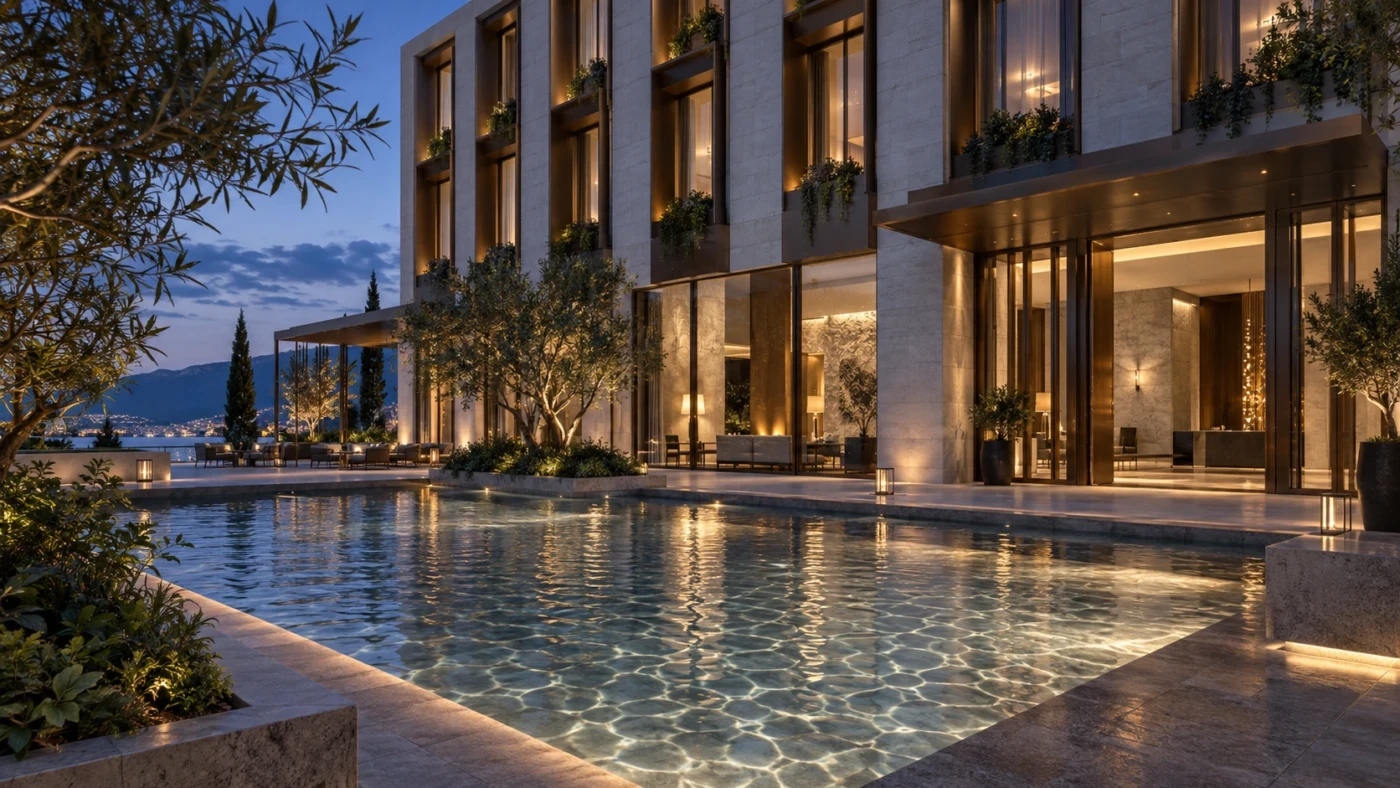
Quick Caustics are designed to make water and glass light patterns easier to achieve without a complex photon-mapping setup. Pools, shallow water, glass partitions and reflective architectural features are the obvious use cases.
Editorial test: compare one controlled crop with and without Quick Caustics. If the effect improves the storytelling but adds visual noise to the full scene, restrict it to the shots where the light pattern is actually visible.
4. Parallax Interiors: add depth without modeling every room
Parallax Interiors create apparent interior depth behind windows without requiring a fully modeled room for every façade opening. This can be valuable on towers, hotels and large exterior scenes where hundreds of windows would otherwise require heavy geometry and dressing.

5. Chaos Cloud collaboration becomes more useful for review
Update 3 expands the collaboration side of the workflow. Chaos describes centralized design approvals and video review with timestamped feedback and visual annotations. For teams that already render to Chaos Cloud, this can reduce the number of disconnected review channels.
A practical rule is to keep design decisions in your BIM/CAD issue system and use cloud render review for visual feedback: framing, atmosphere, materials, lighting and animation timing. Mixing those two responsibilities can make approvals ambiguous.
6. Cosmos Sets and expanded vegetation
Chaos added Cosmos Sets—pre-arranged groups of furniture and decorative assets—and expanded the library with hundreds of high-poly Globe Plants models. The value is scene assembly speed, but use curated sets selectively. Repeating the same dressing kit across projects can make unrelated spaces look visually identical.
7. Host-application differences matter
V-Ray Update 3 does not expose every feature identically in every integration. Chaos specifically notes that AI Mood Match is available in V-Ray for SketchUp and Rhino, with other integrations following later. The Node Material Editor also launches in SketchUp and Rhino in this update. Do not assume that a feature shown in one host is present in another just because both are “V-Ray 7 Update 3.”
Should you upgrade now?
For teams already on V-Ray 7, Update 3 is worth testing when reference-driven lighting, large repetitive materials, water/glass effects or cloud approvals are regular pain points. If your current pipeline is stable and none of those features solve a real problem, validate Update 3 on a copied project before moving active jobs.
If your main interest is real-time rendering inside the V-Ray viewport, see our separate V-Ray 7 Update 3 real-time rendering workflow; this article intentionally avoids duplicating that search intent.
FAQ
Is AI Mood Match available in every V-Ray integration?
No. Chaos currently documents it for V-Ray for SketchUp and Rhino, with other integrations planned.
Does Parallax Interiors replace modeled interiors?
No. It is a performance-oriented option for repeated or distant interiors. Hero shots and close camera positions may still require fully modeled rooms.
Is Quick Caustics only for pools?
No, but pools and water features are obvious architectural use cases. Evaluate it wherever refractive/reflective light patterns contribute to the image.
Official sources
Featured image: existing LumionVietnam architectural visualization from the Media Library, originally used in the V-Ray 7 Update 3 editorial/tutorial series.
Continue Exploring